
How to Remodel Game Room: Creative Ideas to Upgrade Your Gaming Space is more than a weekend makeover—it’s a practical way to design a space that looks great, plays better, and feels comfortable every time you press “start.” In this guide, you’ll learn how to remodel your game room with thoughtful upgrades to layout, lighting, sound, storage, and comfort, using creative ideas that match both casual hangouts and serious gaming sessions.
Start With Your Goal (and Your Real Budget)
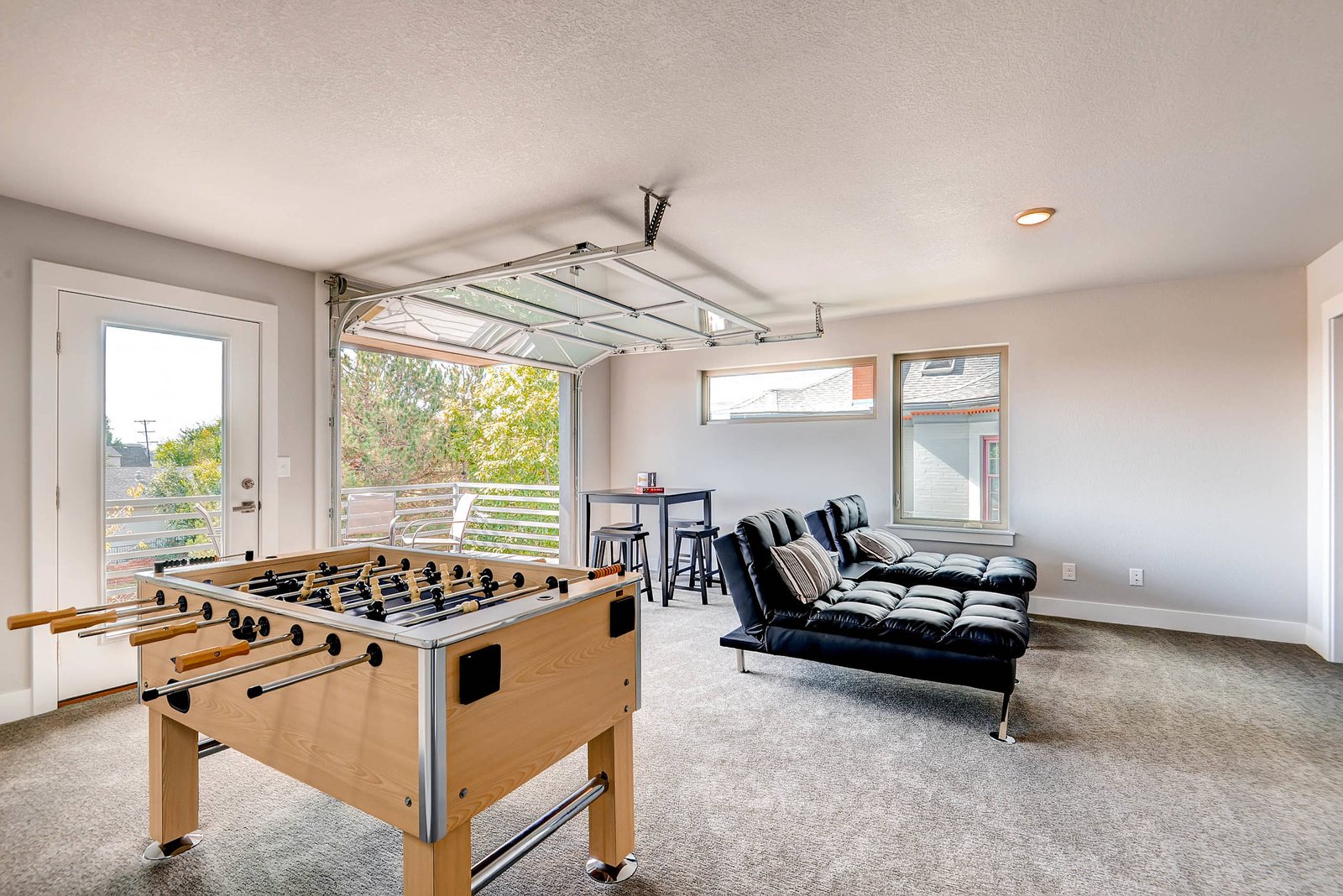
Before buying anything, define what “better” means for you. Some people want a room that feels like an entertainment lounge; others need ergonomic comfort and clean audio for competitive play. Think about how the space is used across weekdays and weekends: is it mostly solo sessions, parties, or a shared family area? When you can describe your main priority—comfort, immersion, style, or organization—you’ll avoid expensive changes later.
Once the goal is clear, set a budget in categories like lighting, seating, display/audio, flooring, and storage. A common mistake is spending heavily on the biggest items and ignoring the “in-between” upgrades (cable management, wall treatment, and controller storage) that make the room feel finished.
Quick reality check: measure before you buy
Measure wall space, ceiling height, door swings, and distances between your couch, chair, or gaming desk. If you’re planning a TV or monitor wall mount, note the height you’ll be viewing from while seated. For consoles and PCs, also plan for ventilation—gaming gear generates heat, and cramped setups can lead to loud fans and reduced performance.
Plan the Layout for Flow and Immersion
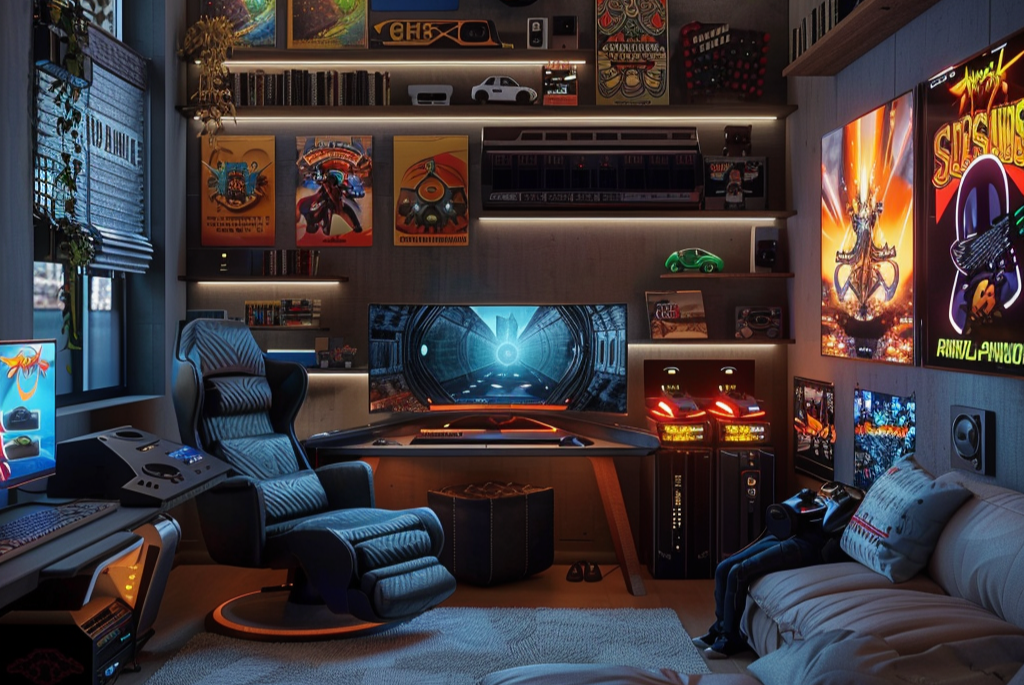
A strong layout improves both gameplay and social comfort. Start by creating zones: a “play zone” for your display and input setup, a “hangout zone” for casual seating, and a “storage zone” for games, controllers, and accessories. Even in smaller rooms, this zoning reduces clutter and makes it easier to switch between gaming modes and hosting guests.
If possible, keep your primary screen centered on the longest wall and avoid placing it directly across from bright windows. Glare can ruin immersion, and reflective surfaces can cause eye fatigue. Aim for a comfortable viewing angle and a clear path so guests can move without stepping on cables or bumping chairs.
The “cable-free” layout trick
When you plan where power strips, outlets, and network drops will go, you reduce visible clutter dramatically. Run power and data behind furniture when possible, and reserve accessible space for maintenance. This makes future upgrades much simpler because you’re not repatching everything from scratch.
Upgrade Lighting for a Cinematic Feel (Without Eye Strain)

Lighting is one of the fastest ways to make a game room feel premium. The key is layering: ambient light for safety, task lighting for visibility, and accent lighting for mood. Start by improving overhead lighting first—if it’s harsh or uneven, add dimmable options or swap to warmer, softer bulbs.
Accent lighting can highlight shelves, behind your TV, or along PC desk edges. LED strips are popular because they’re flexible and relatively inexpensive. Choose colors that match your gaming aesthetic, but prioritize smooth brightness control so you don’t end up with an overly bright room during dark games.
Fix common lighting problems
If your room feels too dim, the issue may be too much reliance on accent lighting. If it feels washed out, you may need better dimmers or warmer bulbs. Also consider reducing reflections by adding curtains, repositioning mirrors, or using wall art with matte finishes.
Create Sound That Feels “In the Game”

Good audio doesn’t just add “volume”—it improves clarity, positioning, and comfort. If you’re using a soundbar or speakers, start by placing them correctly and reducing room bounce. Soft materials help: area rugs, curtains, and fabric wall panels can reduce echo and make footsteps, voices, and effects easier to recognize.
If you play on a headset often, soundproofing is optional, but reducing echo can still improve overall ambience when you occasionally switch to speakers. For louder parties, consider how sound travels to other rooms. Simple changes like weatherstripping doors and adding thick curtains can reduce spill.
Troubleshooting: muffled or echoey audio
If dialogue sounds muffled, check whether your speakers are too close to walls or facing the wrong direction. If the room sounds “hollow,” you likely need more soft surfaces. If bass is overwhelming, try moving speakers away from corners and adjust subwoofer placement gradually rather than making large leaps.
Choose Seating That Supports Long Sessions
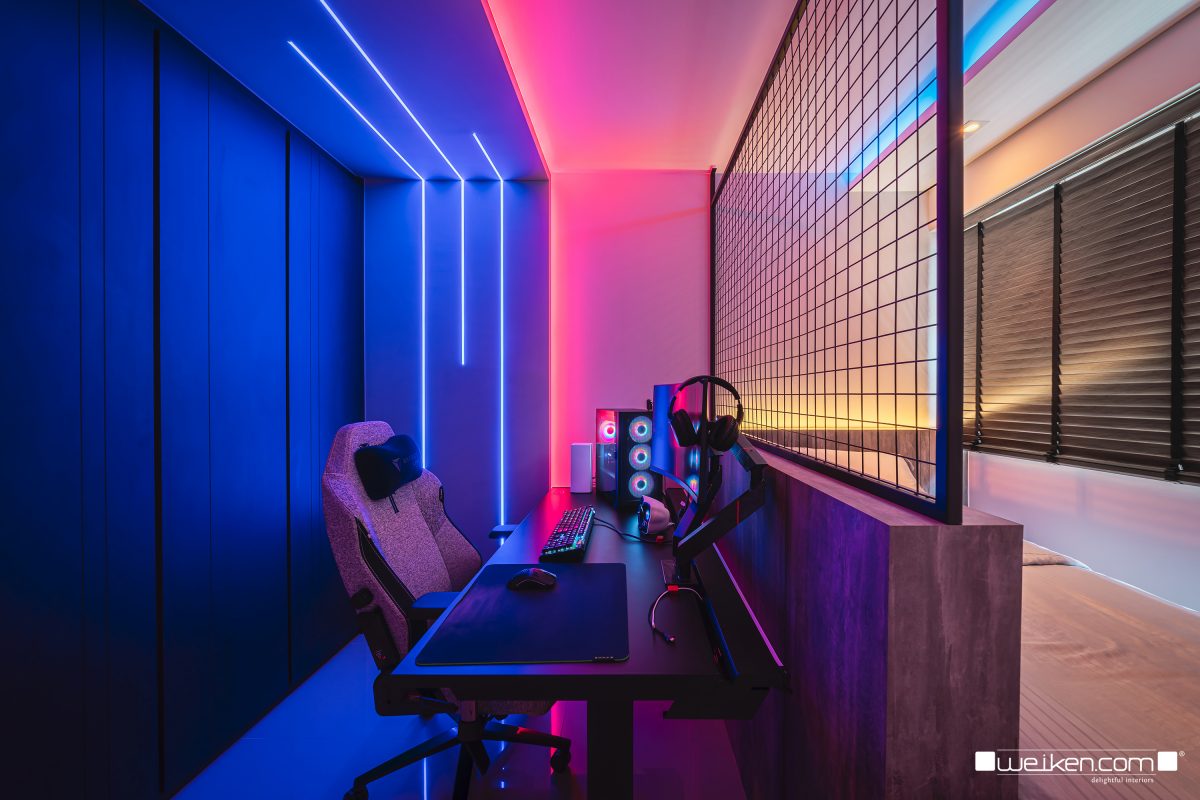
Comfort is a gameplay feature. If your current chair or couch makes you slouch, you’ll feel it during longer matches. When remodelling, decide whether you want one main seating area or flexible options for different groups.
Ergonomic chairs can be ideal for PC gaming, while a modular couch or sectional works well for consoles and group sessions. If you host frequently, include at least one “secondary” seat like an ottoman, beanbag, or extra chair—guests will stay longer when they feel comfortable.
Practical comfort upgrades
Add padding to seating, especially if you sit directly on hard flooring or have a thin cushion. Consider placing a small side table within reach for drinks, snacks, and controllers. If your space is on the warmer side, plan for airflow using fans or a vented layout so your gaming gear and players stay comfortable.
Make Storage Look Intentional (Not Like a Mess)
A game room upgrade should include organization. Controllers, extra cables, board games, and handheld devices multiply fast, and clutter kills the “finished” look. The goal is simple: hide what you can and display what you want.
Storage can be both functional and decorative. Use closed cabinets for items that need to be out of sight, and open shelves for visually appealing games or collectible items. Labeling drawers and bins makes it easy to reset after parties and prevents “temporary piles” from becoming permanent.
Cable management: the invisible upgrade that matters
Use cable channels, Velcro straps, and a discreet cable box or rack. Route cords behind your desk or behind furniture legs when possible. If you can, install a power solution near your equipment so you’re not relying on extension cords across walkways.
Refresh Flooring and Walls for Style + Performance
Floors and walls set the tone and also affect comfort and acoustics. If you currently have bare concrete, slippery laminate, or worn carpeting, consider upgrading to something warmer and quieter. Area rugs can work immediately, especially if you want a quick transformation.
Wall treatment can be playful or sleek. Matte paint reduces glare. Game-themed wall art adds personality. For better acoustics, consider fabric wall panels or acoustic foam hidden behind decorative covers—this can help reduce echo without making the room look like a recording studio.
Choose finishes based on what you do most
If your room is mostly competitive gaming with lots of sitting, focus on comfort, sound control, and clean lines. If you host frequently or play with friends, prioritize durable surfaces, easy-to-clean materials, and storage that can handle spikes in clutter.
A Remodel Roadmap That Builds Momentum
When you remodel, it helps to work in a logical order: changes that create structure first, then comfort, then the “wow” details. Start with layout and wiring, because moving a TV mount or repositioning power outlets later is expensive and messy. Then tackle flooring and major lighting changes. After that, bring in furniture, shelving, and the finishing touches like wall art and decorative lighting.
One smart approach: upgrade in layers
If your budget is tight, upgrade one layer at a time. Start with lighting and cable management—these create an immediate improvement. Then add better seating and acoustics. Finally, invest in larger items like monitors, speakers, or a media wall once the room foundation feels right.
Budget-Friendly “Creative Ideas” That Still Look High-End
You don’t need a full home renovation to create a premium gaming space. Creative upgrades can deliver big impact when they target the senses: lighting mood, visual organization, and comfort. A wall behind your screen can become a focal point through paint, decals, or a simple media wall. A well-chosen rug can define the play zone even in a small room.
Add personality with themed storage labels, collectible display corners, or custom controller hooks. For monitors and PCs, consider a clean desk backsplash or a monitor stand setup that keeps cables hidden. These changes are small enough to do yourself but powerful enough to transform the room’s vibe.
Common mistakes to avoid
Don’t place the screen where lighting reflects directly into your eyes. Don’t overload the room with too many decorations that distract you from gameplay. And don’t buy expensive gear before confirming your layout—equipment works best when positioned for comfort, not just aesthetics.
“Best Options” to Upgrade Your Game Room (Affordable, Popular, and Proven)
If you’re looking for reliable products or categories to help you remodel, here are five strong options that cover the most common upgrades. These choices tend to score well with users because they improve day-to-day gameplay comfort and room aesthetics without requiring a major renovation.
- Dimmable LED smart lighting strips — Look for app control and smooth dimming to create adjustable ambience for day and night gaming. They’re popular because they’re easy to install and can dramatically upgrade the mood behind a TV or along a desk.
- Acoustic wall panels or fabric-covered sound dampening panels — These help reduce echo, making voices and in-game audio clearer. User feedback often highlights better sound clarity in echo-prone rooms, and they can be installed without construction.
- Ergonomic gaming chair or high-support office gaming chair — A supportive chair helps you sit comfortably during long sessions. Common review themes include improved posture, better lumbar support, and reduced discomfort compared with basic chairs.
- Cable management kits (channels, raceways, and velcro straps) — These keep power and signal lines tidy, making the room look finished and reducing trip hazards. Users frequently note that cable cleanup also makes future upgrades simpler.
- Rug or carpet tiles designed for comfort and sound control — A quality rug can warm up the space and reduce footstep echo, benefiting both casual and competitive play. Many customers prefer them because they’re easier than full flooring replacement and instantly improve comfort.
Conclusion
To remodel your game room successfully, plan your layout for flow and screen visibility, then layer lighting for mood and comfort, improve audio with simple sound-dampening changes, and invest in seating and organization that supports long sessions. Focus on upgrades that solve real problems—glare, echo, clutter, and cable chaos—so your space looks intentional and plays better from day one.

Gia Thịnh là biên tập viên nội dung tại handleheldgame.vn, được cộng đồng biết đến với phong cách “wibu” đặc trưng và niềm đam mê sâu sắc với thế giới game cầm tay, movie và văn hóa anime. Với khả năng tổng hợp thông tin nhanh, chọn lọc nội dung sát nhu cầu người đọc, Gia Thịnh đóng vai trò quan trọng trong việc xây dựng hệ thống bài viết chất lượng, dễ hiểu và đúng insight người dùng. Sự am hiểu về game, thiết bị handheld cùng gu nội dung gần gũi giúp các bài viết của anh luôn thu hút và giữ chân độc giả.